SaaS revenue quality dashboard
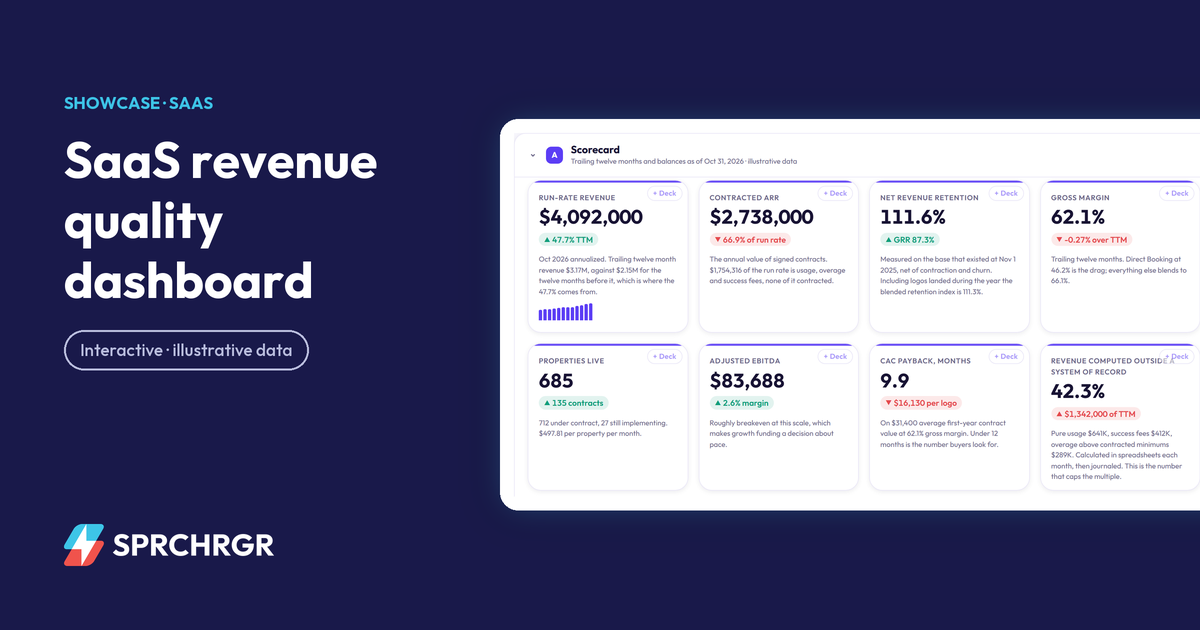
How much of the run rate is contracted, where ARR growth came from, and why billings, revenue and cash never match in a usage-priced SaaS business.
Showcase
Each demo is a working dashboard, built the way we build them for clients, on a fictional company with invented numbers. Move the scenario levers, switch between entities, open the tables, and download a board deck from whatever you select.
2 demos
How much of the run rate is contracted, where ARR growth came from, and why billings, revenue and cash never match in a usage-priced SaaS business.
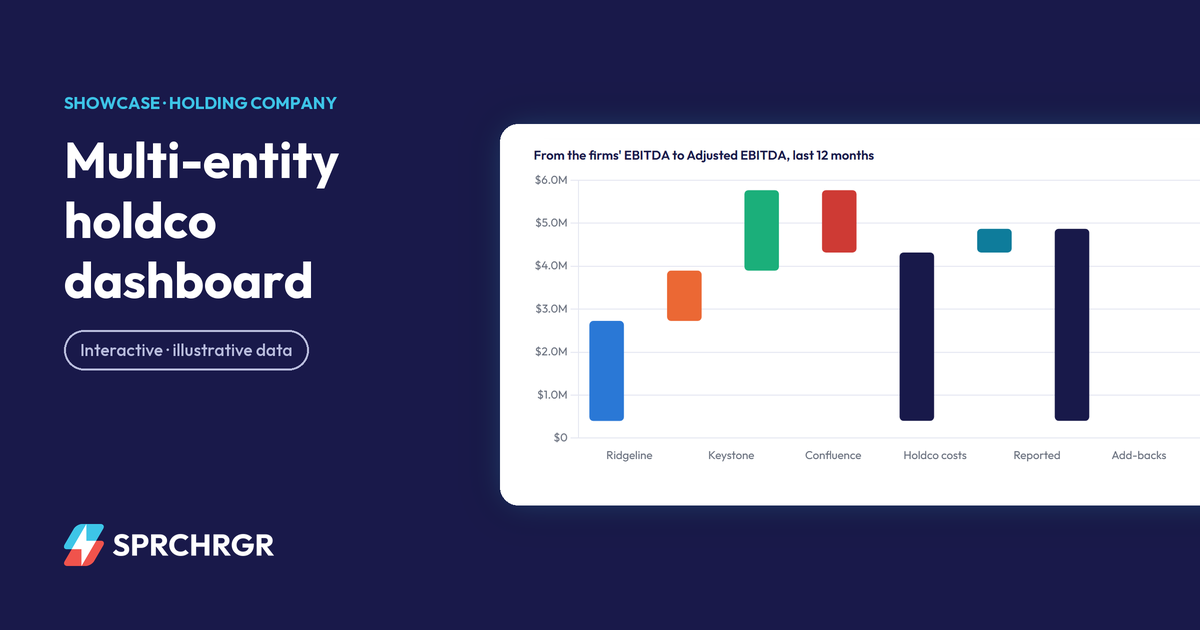
Three acquired firms on three ledgers, consolidated with intercompany eliminations, covenant tests and a what-if for the next acquisition.
No demo matches both filters yet. or ask us to build that one.
Start at the scorecard. Every figure says what it is measured on, and the callout under it says what a board would take from it.
Change a driver and the forecast responds. The closed months never move, because actuals are actuals.
Click + Deck on the charts, tables and KPIs you want, put them in order, and download an editable PowerPoint.